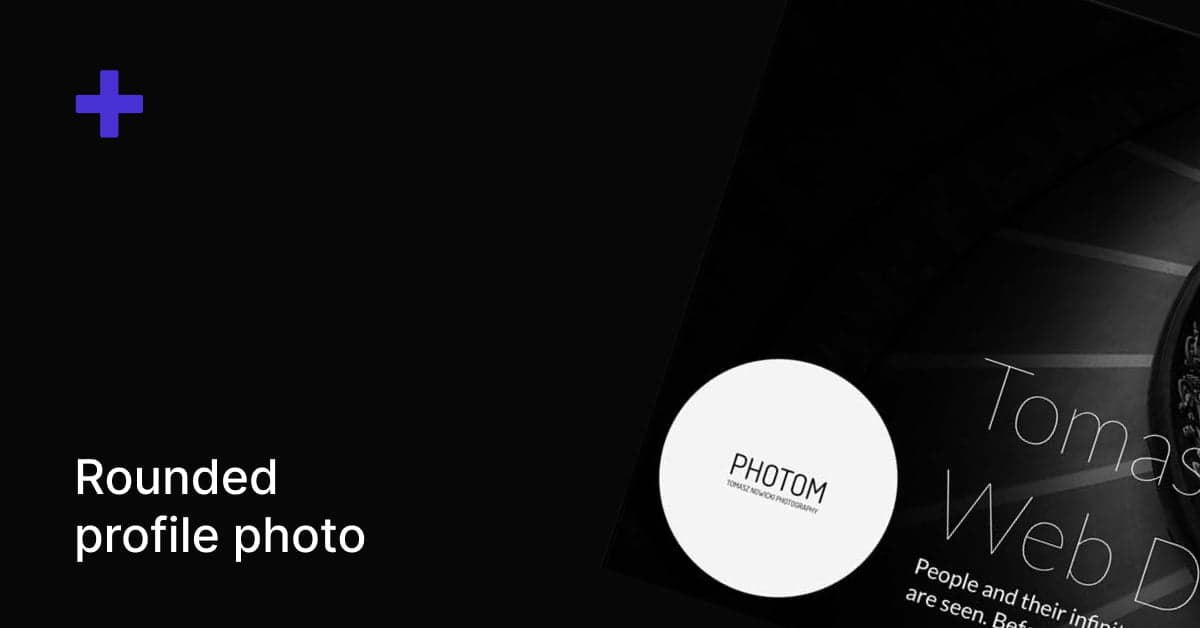
How to Make Your SmugMug Profile Photo Rounded
Transform your square SmugMug profile photo into a modern circular design using a simple CSS snippet.
SmugMug displays profile photos as square thumbnails by default. A rounded profile photo creates a more modern, polished look that's become standard across social media and professional websites.
CSS code
Add this code to a CSS content block in the Entire Site section:
/* Rounded profile photo */
.sm-page-widget-profile-v2-biophoto {
    border-radius: 50%;
    margin-left: 1rem;
    margin-bottom: 1rem;
}
How it works
border-radius: 50%— Transforms the square image into a perfect circlemargin-left: 1rem— Adds spacing on the left sidemargin-bottom: 1rem— Adds spacing below the photo
Customization options
Adjust the spacing
Modify the margin values to fit your layout:
margin-left: 0;      /* Remove left spacing */
margin-bottom: 2rem; /* More space below */
Add a border
Make the profile photo stand out with a colored border:
.sm-page-widget-profile-v2-biophoto {
    border-radius: 50%;
    border: 3px solid #ffffff; /* White border */
    margin-left: 1rem;
    margin-bottom: 1rem;
}
Add a shadow
Create depth with a subtle shadow:
.sm-page-widget-profile-v2-biophoto {
    border-radius: 50%;
    box-shadow: 0 4px 6px rgba(0, 0, 0, 0.3);
    margin-left: 1rem;
    margin-bottom: 1rem;
}
For best results, use a square profile photo where your face or subject is centered. Non-square images may appear cropped unevenly when displayed as a circle.
How to Rename Search Category Labels on SmugMug
Customize the search page category labels (Photos, Videos, Galleries, Folders, Pages) with your own text using CSS.
How to Show a Content Block on Specific Pages Only
Use CSS to hide a SmugMug content block everywhere except a specific page, or a folder and all its child pages.